Sourced Analysis
Each answer comes from the firm's own files, with every citation opening the document at its page. For a question across a knowledge base, the new Agent Data Workspace reads every document and keeps the results in a table.
Answers You Can Check
Verra searches your knowledge bases, reads the passages that matter and cites each one. Click a citation and the document opens at the page, with the passage boxed.

The Full Source List
Each answer ends with a list of every file, web page and email Verra looked at.
The Web, Read in Depth
Verra pulls the passages that answer the question from each page, not just a list of links, and cites those pages with the firm's files in its sources.
Define a Scope
Choose what a chat covers, and Verra keeps its searches of the firm's files inside that scope.
Key Claims and Their Sources
When Verra answers with a deliverable, it lists the key claims beside it and labels each one sourced, calculated, assumption or judgment. Open a claim to see how it was reached, then check or flag it before anyone signs off.

Open the Source
A sourced claim opens at the quoted words or cells.
Check or Flag
Reviewers mark each claim as checked or flagged.
Sign Off
Share a file for review and record the sign-off.
Introducing the Agent Data Workspace
New in Verra, the Agent Data Workspace (ADW) answers questions that span a whole knowledge base. It reads every document, records what each one says in a table and works out totals and comparisons over the whole table, which downloads as a spreadsheet.
Every Document, Not a Sample
ADW reads each one and lists any it can't read apart.
Exact Counts and Comparisons
Counts, rankings and comparisons come from the whole table, not pieced together from search results.
Kept for Next Time
Tables stay with the knowledge base, so the next question starts from earlier answers.

Other Parts of Verra
Institutional Memory
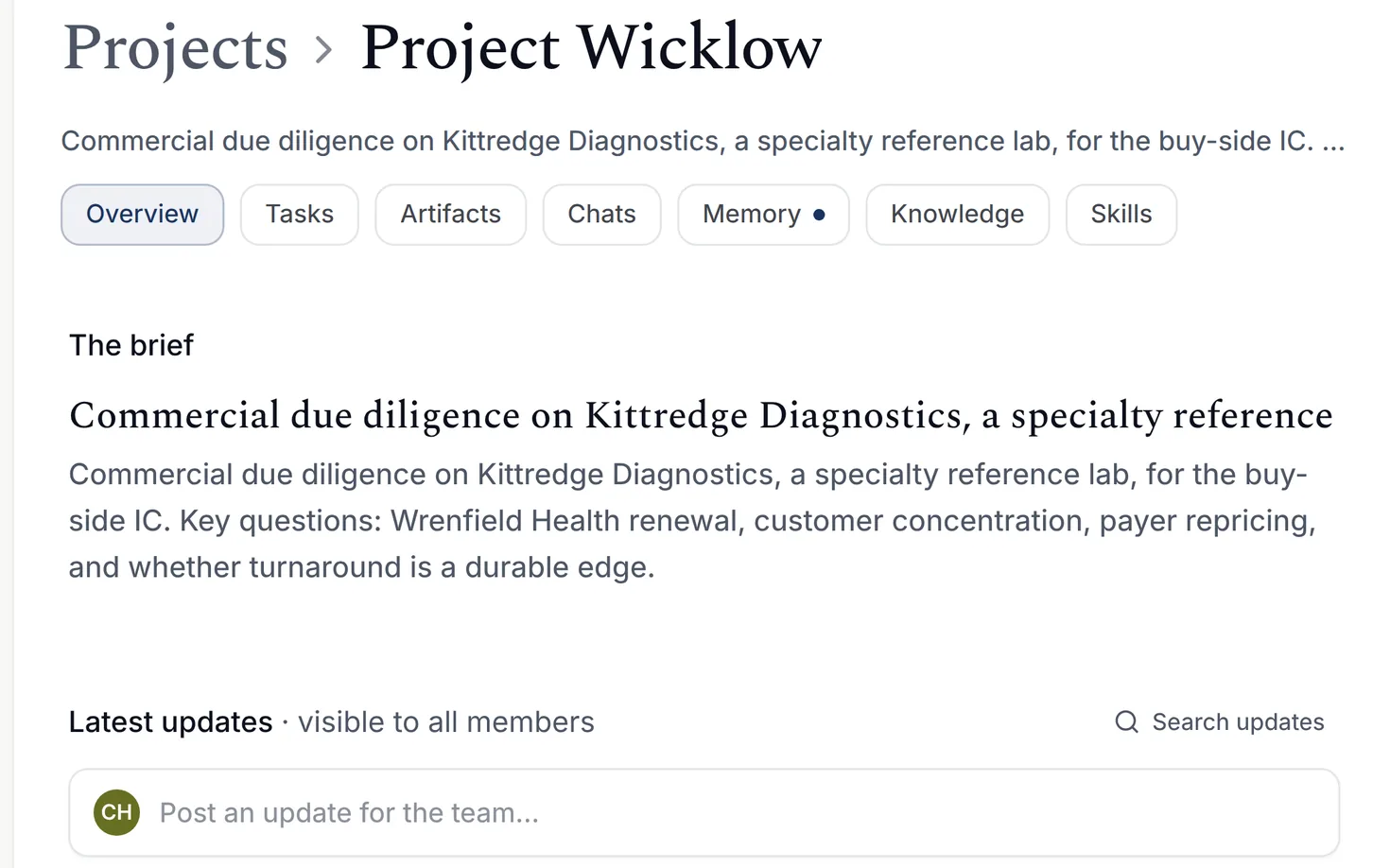
Projects for each engagement, the firm's documents synced from the systems it already uses, and its methods codified as skills.
Learn More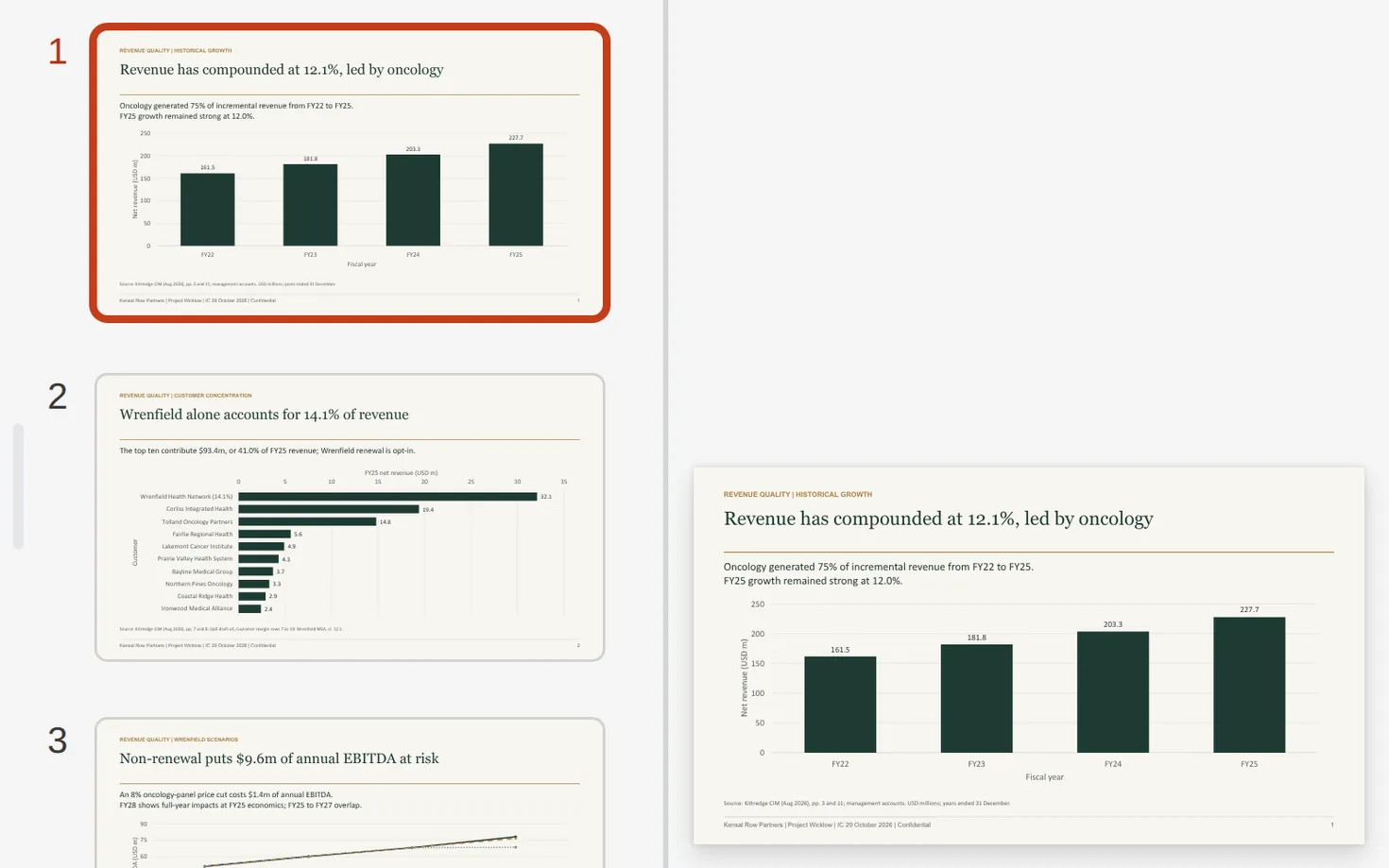
Client Deliverables
The artifacts your firm needs, including docs, slides and spreadsheets, built to a professional standard and finished in the browser or on the desktop.
Learn MoreGovernance and Control
Sign-in through the firm's identity provider, groups and admin roles, settings for who sees and uses what, and usage by team.
Learn More

